Registering and Logging In
How to Register:
- Customer first needs to get licensed by Cloudangles and get the organisation registered in Dangles platform. Once registered , admin credentials will be created which can be used on "Register or Sign Up Page".
Enter your details:
- Organization Name: (Case sensitive)
- First and Last Name
- Email ( used at the time of license creation)
- Password
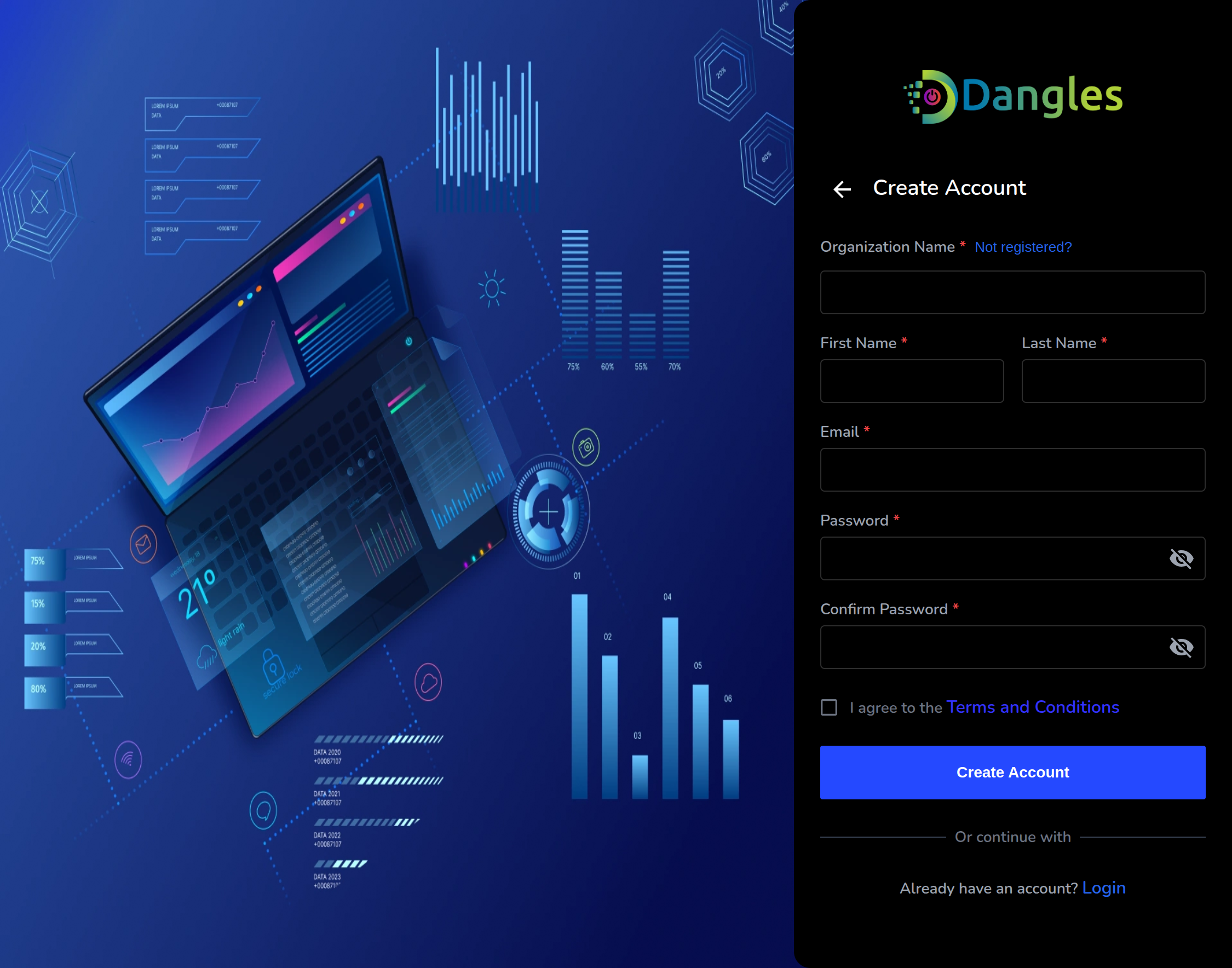 Once clicked on create account, Admin needs to activate their email account
by clicking on activation link sent to their respective mail.
Once clicked on create account, Admin needs to activate their email account
by clicking on activation link sent to their respective mail.